This post compares tools for practicing French Speaking using Free AI. The evaluated tools are ChatGPT, Grok, Google Gemini, Talkpal.ai, Langua, Gliglish, and Parlez.app, based on personal experience and available information.
Our focus here is on conversational practice rather than comprehensive language study, and on the free tier rather than the paid plan. The comparison covers six perspectives: generous free tier, real-time transcripts, language detection and code switch, hands-free operation, accent feedback, and voice quality, followed by overall performance.
Intro
- This content is intended for English speakers learning French.
- Code-switching means switching back and forth between two or more languages (or dialects) in the same conversation.
- Accent Feedback means recognition of your native accent with targeted corrections in the transcript.
- WER stands for “word error rate.” It is the number of errors divided by the total words. The lower, the better.
1. ChatGPT Voice Mode
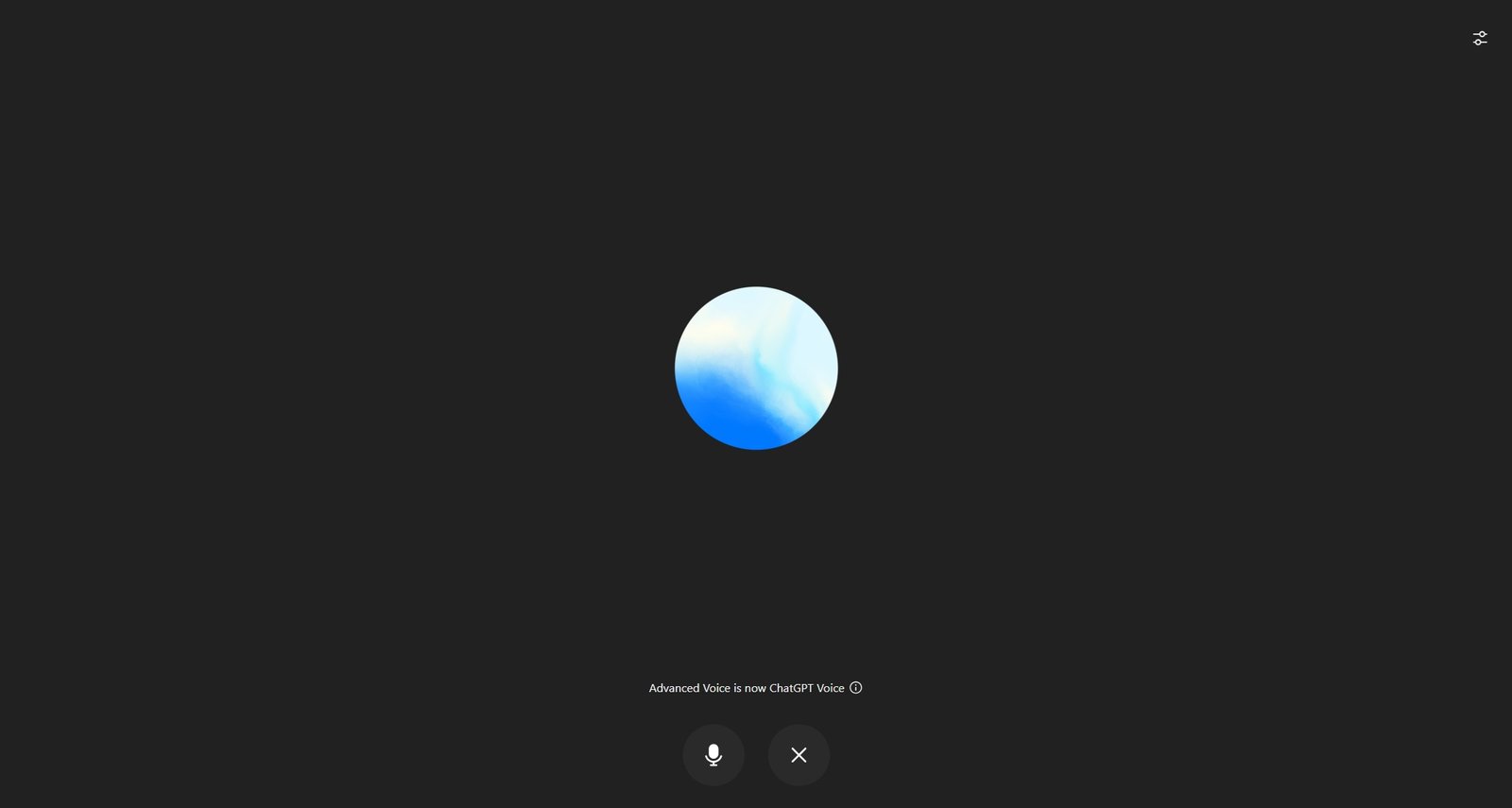
- Description: ChatGPT voice mode, integrated into OpenAI ChatGPT, supports conversational interaction with AI.
- Free Tier: ChatGPT Voice Mode offers unlimited daily conversation time (according to ChatGPT).
- Language Detection & Code-Switching: Handles English/French code-switching well, but language detection during speech recognition is prone to errors, particularly with beginner accents.
- Real-Time Transcripts: They used to have transcripts shown while speaking. But they may contain inaccuracies caused by language detection errors. Now they change back to show a circled icon.
- Hands-Free: Fully hands-free; no need to press a button once the conversation starts.
- Accent Feedback: Fair; corrects some pronunciation errors.
- Voice Quality: Human-like, natural-sounding voice.
- Performance: The AI is overly verbose and ends every sentence with a question-what you want, stalling the natural flow of conversation.
2. Grok Voice Mode
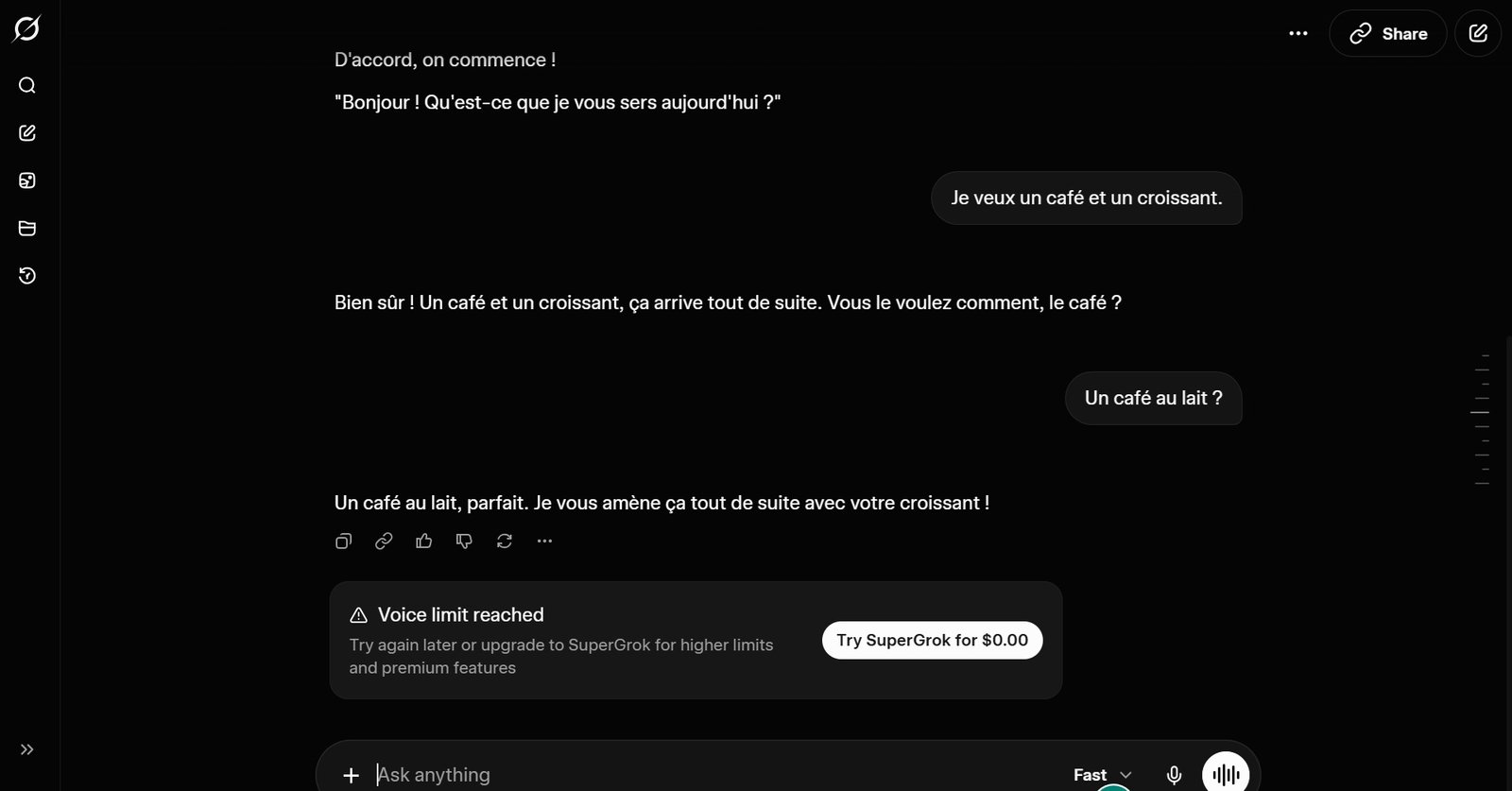
- Description: Grok voice mode, developed by xAI, is available on Grok iOS and Android apps, offering AI-driven conversation.
- Free Tier: As of October 2026, the free tier has been capped at just 2 minutes, after which users are required to upgrade to a paid plan.
- Real-Time Transcripts: Displays transcripts in real-time and corrects grammar and vocabulary errors (lowest WER per my experience).
- Language Detection & Code-Switching: Excellent; handles English/French code-switching well and understands beginner accents within context.
- Hands-Free: Fully hands-free; no button presses needed after starting the conversation.
- Accent Feedback: Strong; effectively picks up beginner accents and corrects pronunciation errors.
- Voice Quality: The audio sounds somewhat robotic. While it used to feature a much more natural-sounding voice, it appears they have downgraded the voice quality for the free tier.
- Performance: Best overall; excels in accent detection, real-time feedback, and generous practice time. However, the vocabulary used may be too advanced for language learners.
3. Google Gemini Voice Mode
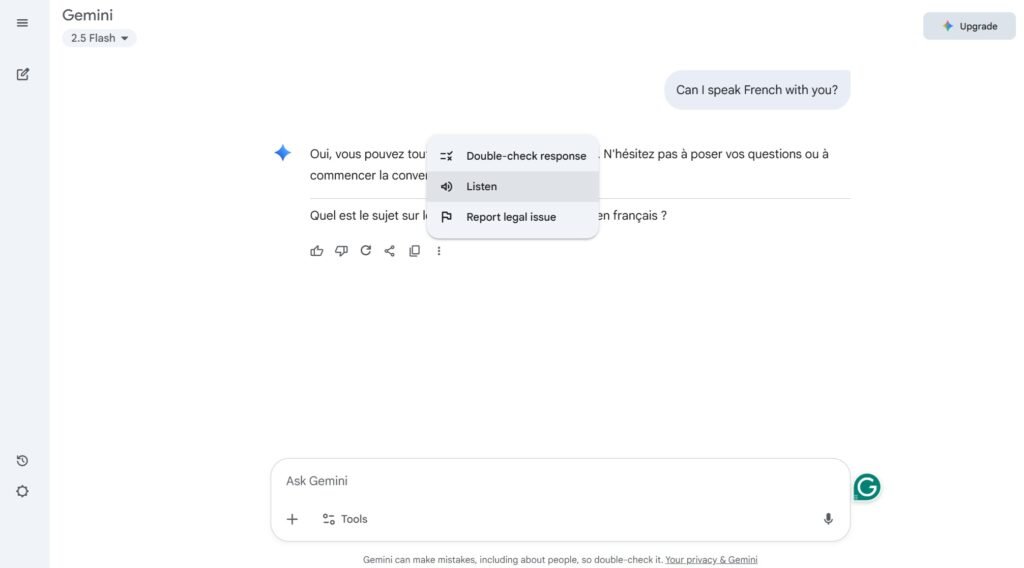
- Description: Google Gemini Voice Mode (flash 2.5) offers AI-powered conversation, integrated into Google’s ecosystem.
- Free Tier: No concrete info on free talk quotas. Typically offers ~10-15 minutes/day based on standard AI model access (web information).
- Real-Time Transcripts: Provides real-time transcripts.
- Language Detection & Code-Switching: Limited support for code-switching; The default language is English. You have to ask in English to switch to other language.
- Hands-Free: Not hands-free; requires pressing a button to talk. On the web version, you need to click “Listen” to hear the voice playback of the transcript.
- Accent Feedback: Poor; struggles to accurately recognize beginner accents.
- Voice Quality: OK, natural-sounding voice.
- Performance: Below average; hampered by non-hands-free operation and weak accent support. (The flash pro version is not tested here.)
4. Talkpal.ai
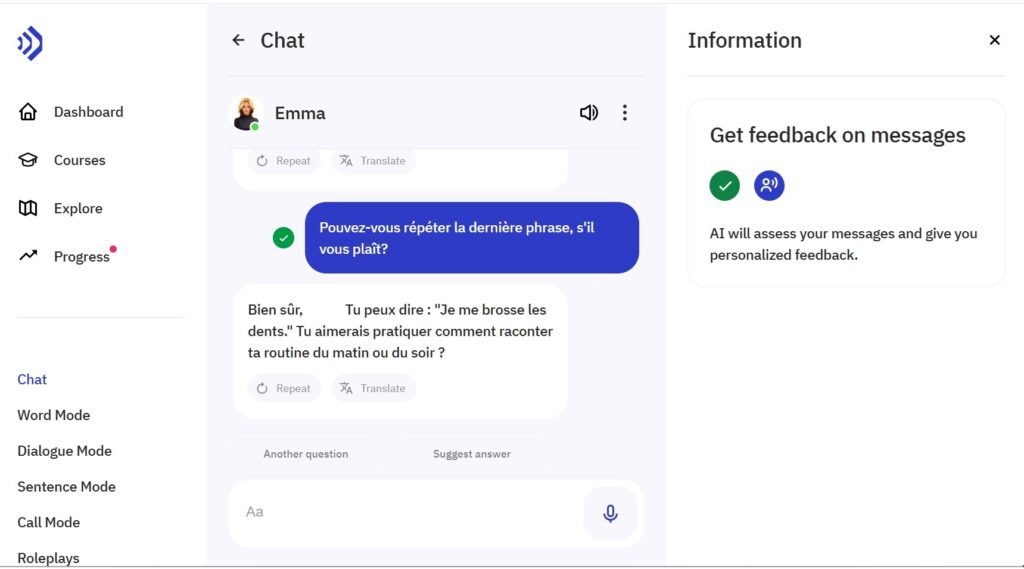
- Description: Talkpal.ai offers AI-driven conversation practice with accent feedback.
- Free Tier: Offers 10 minutes/day.
- Real-Time Transcripts: Provides real-time transcripts with error corrections.
- Language Detection & Code-Switching: Strong; handles English/French code-switching well and corrects transcript errors effectively.
- Hands-Free: Not hands-free; requires pressing a button to talk.
- Accent Feedback: Good; effectively picks up beginner accents and corrects pronunciation errors (Low WER).
- Voice Quality: a passable, though robotic, voice.
- Performance: It features a robust feedback loop and seamless code-switching. However, it lacks hands-free operation, and the AI is overly verbose—making it appear as though the tutor is too talkative.
5.Langua
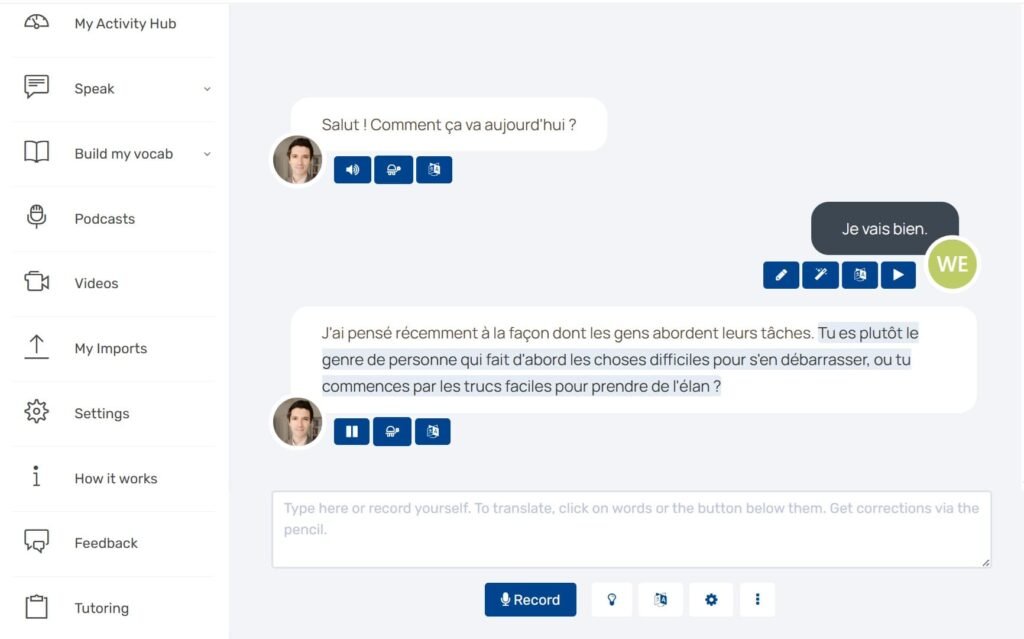
- Description: Langua is an AI-driven voice practice tool, derived from LanguaTalk, a platform for human language tutoring.
- Free Tier: From my own experience, 3 minutes per day, the least generous;
- Real-Time Transcripts: Provides real-time transcripts.
- Language Detection & Code-Switching: Users must select the target language when you register. The system can understand English but does not respond in English.
- Hands-Free: Not hands-free; requires button presses to talk.
- Accent Feedback: Fair; demonstrates some ability to correct beginner pronunciation error.
- Voice Quality: Robotic, making conversations feel unnatural.
- Performance: Poor; offers the shortest free usage time among all providers, features a robotic-sounding voice, and has limited code-switching capabilities.
6. Gliglish
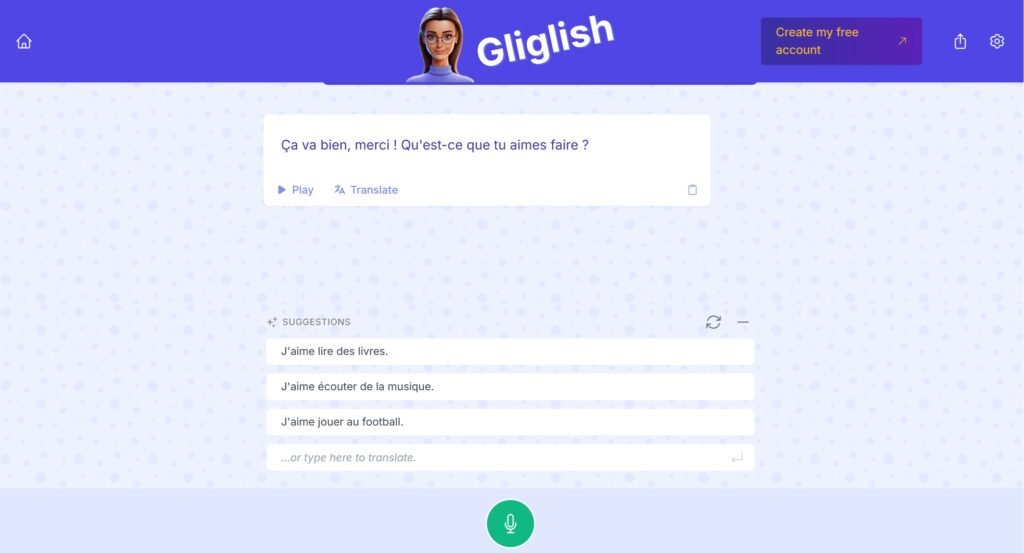
- Description: Gliglish is an AI language learning tool that emphasizes conversational practice and is beginner-friendly.
- Free Tier: Offers 10 minutes/day in the free tier.
- Real-Time Transcripts: It provides conversation transcripts and suggests prompts for users to speak.
- Language Detection & Code-Switching: You must select a language before starting. While it can translate English input into French in the transcript, the voice output is limited to French and cannot speak English.
- Hands-Free: Not hands-free; requires button presses to talk.
- Accent Feedback: Good; Provides some correction for beginner pronunciation.
- Voice Quality: an acceptable natural-sounding voice.
- Performance: Good; Users can start a trial without creating an account, which is convenient. It’s well-suited for beginners thanks to its accent feedback and suggested prompts.
7.Parlez.app
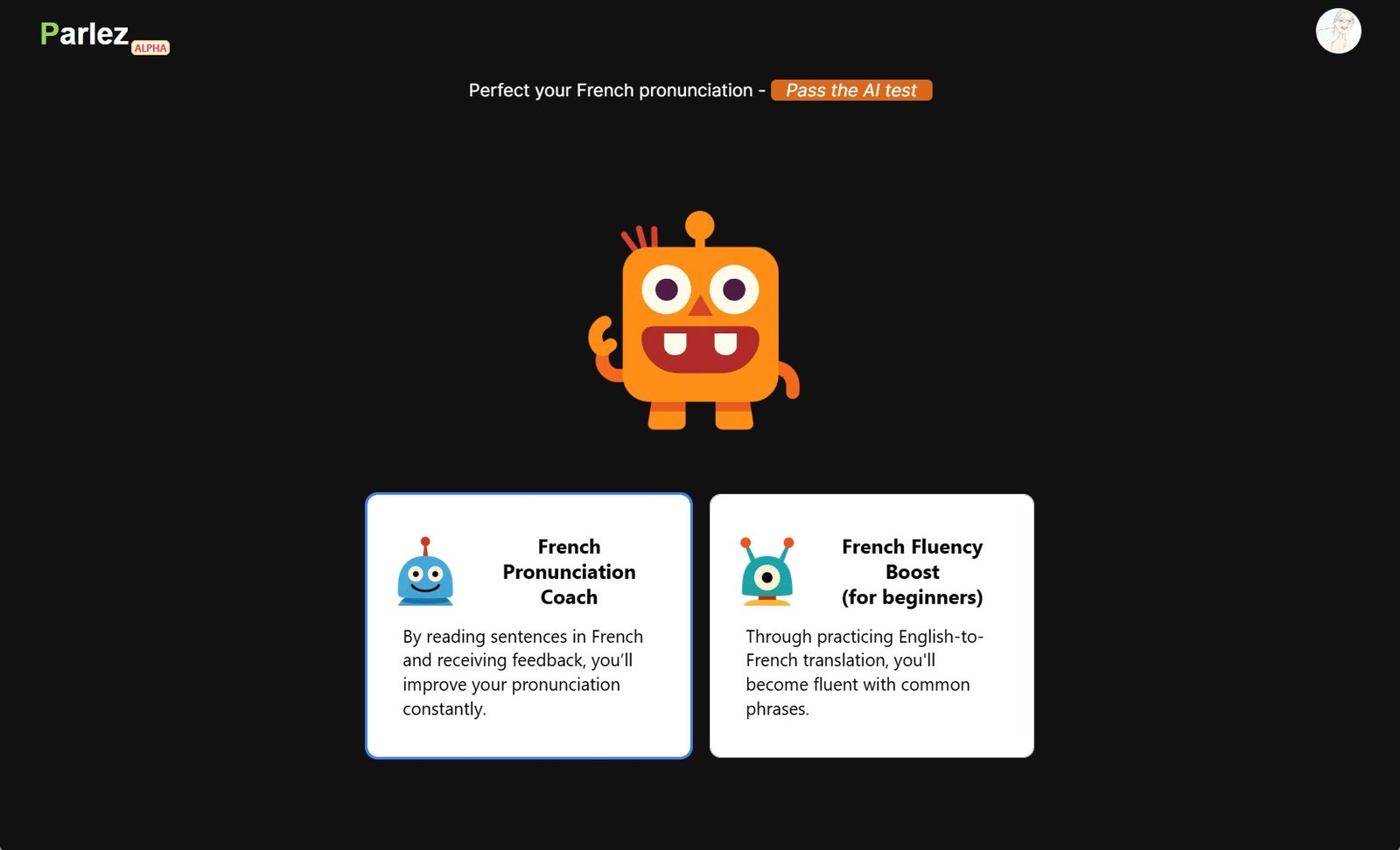
- Description: Parlez.app is designed specifically for English speakers practicing French, this AI tool acts as a dedicated conversation partner rather than a traditional study app.
- Free Tier: offers 15 minutes /day.
- Real-Time Transcripts: Provides instantaneous, live transcription as you speak.
- Language Detection & Code-Switching: Defaults to French but accepts English input. The AI voice is capable of speaking both French and English.
- Hands-Free: 100% hands-free with real-time interruption capabilities.
- Accent Feedback: Good; effectively detects beginner accents and provides reasonably accurate pronunciation corrections.
- Voice Quality: Passable but robotic on the free tier; a natural, human-like voice upon upgrading to the paid version.
- Performance: It provides a suite of effective exercises tailored specifically for beginners struggling with pronunciation and speaking French.
Summary of Comparison of AI practice French App (Free)
- Grok Voice Mode: It used to be my top choice. offers accent feedback, contextual understanding, real-time transcripts, and hands-free operation. It effectively understands beginner accents and contextual logic. With the free tier now so limited, it’s worth exploring more generous alternatives.
- ChatGPT Voice Mode: It leads the pack with a generous free tier and seamless, button-free conversation. However, it falls short with low-quality transcription and a stalling conversational flow that requires constant user prompting.
- Gliglish: Beginner-friendly, offers transcripts and pronunciation feedback, supports multilingual input (language selection required upfront).
- Parlez.app: It offers a totally hands-free, natural way to practice speaking. It’s incredibly beginner-friendly and built from the ground up for English speakers who want to get fluent in French fast.
- TalkPal.ai: Robust feedback loop and effective code-switching, but lacks hands-free operation, and the AI is overly verbose—making it a tough fit for beginners.
- Langua: A viable backup if you prefer the Lingua ecosystem, but its AI tool falls short compared to others due to limited free time, no code-switching support, and a monotone, robotic voice.
- Google Gemini Voice Mode – Unsuitable for language learning purposes.
FAQs
You can practice anytime by pairing up with AI-powered language learning apps. Gliglish is highly beginner-friendly for practicing basic conversational flow. Parlez.app delivers real-time pronunciation corrections and targeted exercises for fluency. Talkpal.ai and Langua are suitable for comprehensive language learning, covering vocabulary, grammar, and conversation. Grok and ChatGPT are options for open-ended conversations.