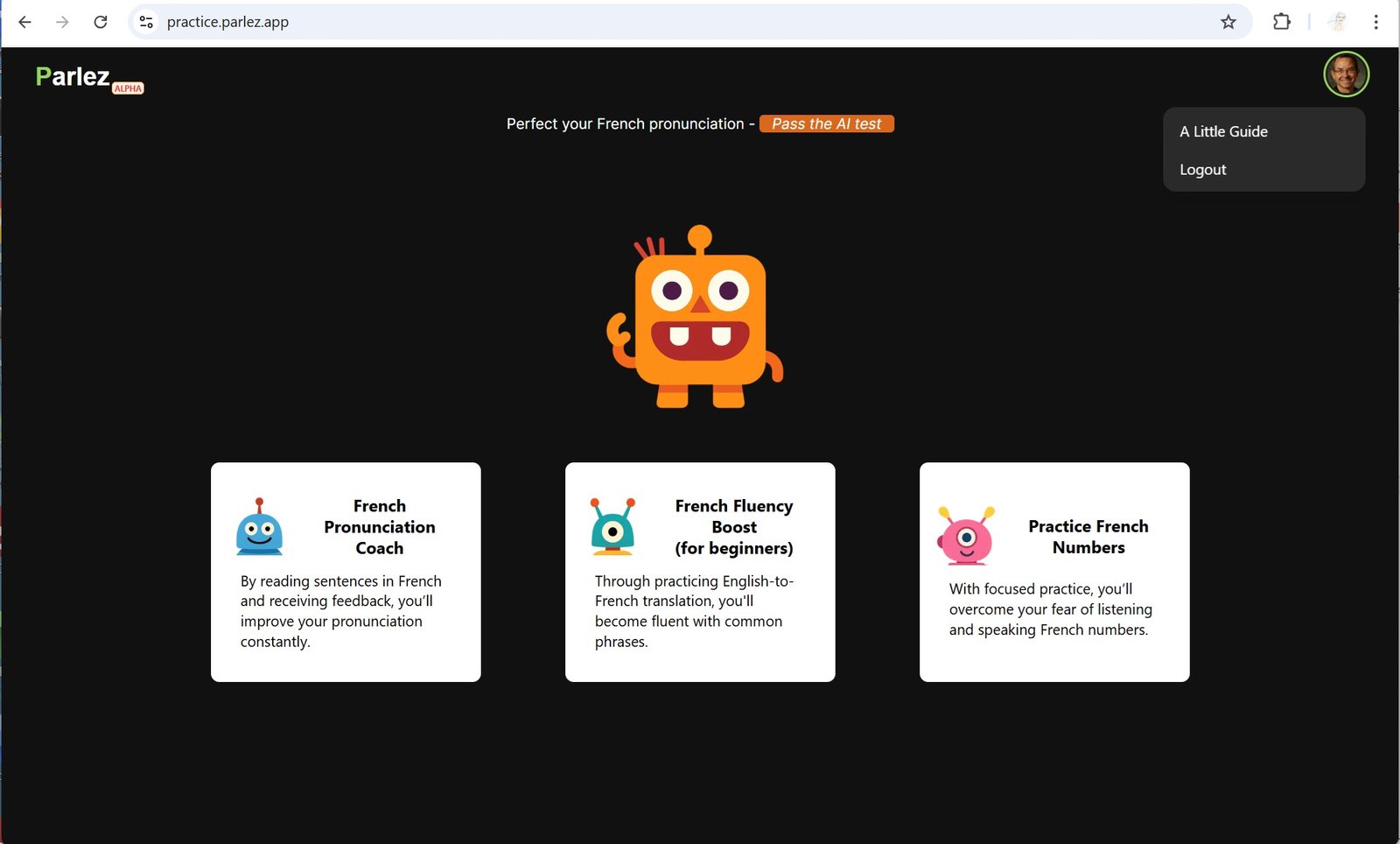
Open the app in your browser on any device (phone, laptop, etc.).
Log in with your Google account by clicking “Continue with Google” and following the on-screen prompts.
Start practicing: Once logged in, select a practice card from the main screen.
Wait for the connection: the app will connect to the AI assistant. Once the assistant greets you, say “bonjour” or anything to test the connection (the initial connection may take slightly longer).
Practice speaking: Say your sentence out loud in French. The app will provide guidance, feedback, and encouragement.
Exit the session: When you’re finished practicing, click the red X button to stop.
Tips for a better experience
Make sure your microphone is on: Allow microphone access in your browser settings on all devices.
Find a quiet place: Background noise can make it harder for the AI to understand you.
Speak in full sentences: Speaking a sentence instead of a single word helps the AI understand you better.
If your speech is not captured in the transcript, especially at the beginning, that might be due to the local mic track being in a bad state or an unstable network connection. You can press the X button to return to the main page and try again, or refresh the page to reconnect.
Seeing strange transcripts? Try speaking more slowly and clearly. If the issue continues, exit and start a new session.
Is the AI tutor acting off? If it takes too long to respond, goes off topic, or stops responding, try saying “Bonjour” to bring it back on track, or click the X button and start a new session.